VIX Trader launches publicly on 20 July 2026.
Built exclusively for the VIX CFD

Trade volatility with a quantitative edge.

VIX Trader is a MetaTrader 5 Expert Advisor built around statistical mean reversion, confirmation logic and volatility regime filtering.
Native MT5 Expert Advisor Specialized VIX logic User-controlled risk settings
00Days
00Hours
00Minutes
00Seconds
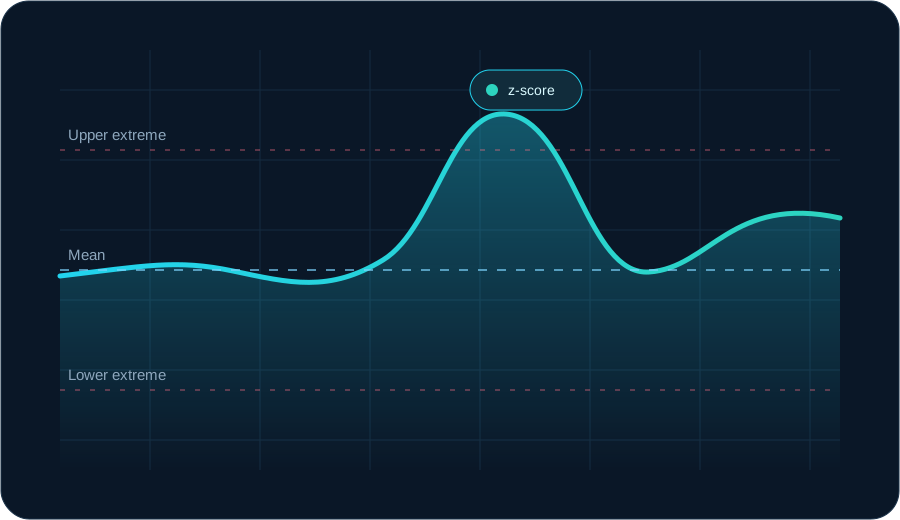
Stylized VIX chart showing an extreme movement returning toward its mean
Regime filterExtreme conditions screened
Confirmation entryWaits for a reversal bar
One focused system.
One specialist market.
PlatformMetaTrader 5
MarketVIX CFD only
TimeframeH1
ApproachMean reversion
Purpose-built automation

Not another generic multi-market robot.

Every part of the system is designed around the behavior, risks and execution characteristics of volatility-index CFDs.

Quantitative analysis

Evaluates current VIX CFD conditions through a proprietary multi-factor quantitative model.

Proprietary confirmation

The EA waits for additional internal confirmation before a qualifying setup can become an entry.

Regime awareness

The system can avoid entries during unusually unstable volatility regimes and apply additional restrictions to short exposure.

Native MT5 execution

Runs directly inside MetaTrader 5, with transparent inputs, broker-side positions and no external trade-copying dependency.

How it thinks

Extreme deviation. Confirmed reversal. Controlled execution.

The system identifies unusually extended market conditions and applies proprietary confirmation before considering execution.
  • Multiple quantitative inputs evaluate current market context.
  • The model adapts its analysis to changing volatility conditions.
  • Internal scoring identifies selected high-quality setups.
  • Confirmation and regime controls reduce unsuitable entries.

Read the full methodology

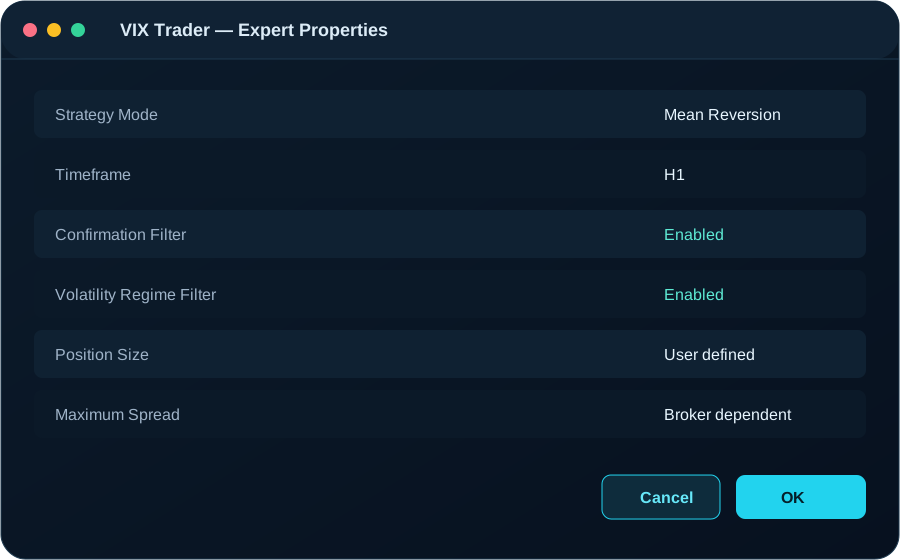
Illustration of the VIX Trader Expert Advisor settings window
Execution workflow

From market data to managed position.

01

Measure the market

The EA evaluates completed market data using its internal quantitative model.

02

Detect an extreme

A potential setup is identified only when the proprietary model reaches its internal quality requirements.

03

Apply safety filters

Spread, volatility regime, trade direction and existing-position rules are checked before execution.

04

Wait for confirmation

Additional proprietary confirmation must be present before an order can be placed.

05

Execute the position

Position size and protection levels use the parameters selected by the trader.

06

Manage the exit

The EA follows its configured exit logic while MT5 remains online and algorithmic trading is enabled.

Transparent by design

What this EA is — and what it is not.

FocusedOne strategy for the VIX CFD
ConfigurableRisk remains under user control
LocalRuns inside your MT5 terminal
No promisesNo guaranteed returns or fixed profits
Important risk notice CFDs are leveraged instruments. VIX CFD pricing, contract specifications and financing can differ materially between brokers. Historical tests do not predict future results, and losses can exceed the level you expect from a backtest.
MetaTrader 5

Install the Expert Advisor and keep full control of every parameter.

Download the compiled file, add it to your MT5 Experts folder, choose the correct VIX CFD symbol and validate the configuration on a demo account first.

Go to download